

Securely manage every Apple device with FieldX


Powerful Management Features
Everything you need to manage, secure, and deploy Apple devices at scale, built for enterprise requirements.

Manage Apps & Books
Push, update, and remove App Store or custom apps silently, ensuring teams always have the right versions without requiring administrator access.
Network Settings
Configure and deploy Wi-Fi, VPN, and cellular settings across your Apple fleet with zero-touch deployment.
Location Tracking
Monitor device locations in real time, enable Lost Mode, and track movement history for managed devices.
Managed Apple IDs
Create and manage enterprise Apple IDs through Apple Business Manager while controlling app purchases and iCloud access.
Remote Actions
Remotely lock, wipe, or disable a Mac when it is lost, stolen, or being off-boarded, helping protect company data immediately.
Restrictions & Policies
Enforce Apple-specific app restrictions, content filtering, and device usage policies for stronger control.
Complete Remote Control
Take control of Apple devices remotely. Troubleshoot issues, secure lost devices, and manage settings from anywhere.
Single App Mode
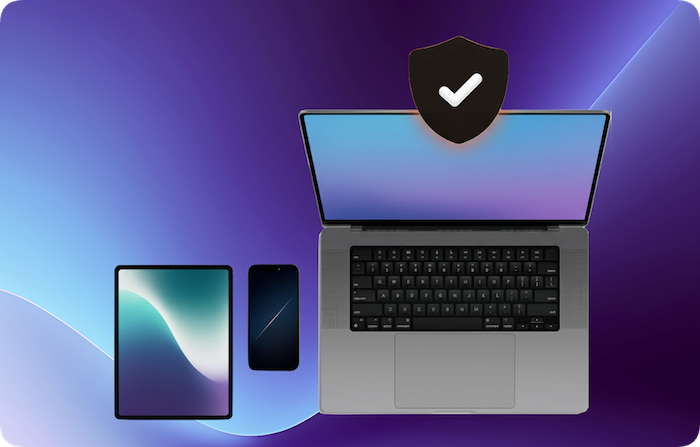
Single App Mode lets administrators lock an iPad or iPhone to one application, preventing users from exiting or switching apps. It is ideal for kiosks, exams, point-of-sale, and dedicated task devices.
Device Diagnostics
Access device health metrics, battery status, and system information for faster support decisions.
Remote Lock & Wipe
Instantly lock devices or perform secure wipes to protect sensitive data.
Lost Mode Activation
Enable Lost Mode on iOS devices with custom messages and contact information.
Flexible Enrollment Methods
Choose enrollment options that fit your organization, from zero-touch deployment to BYOD programs.
Apple Business Manager
Zero-touch deployment for corporate devices. Devices automatically enroll during setup without user intervention.
Apple School Manager
Streamline enrollment for educational institutions and manage student and teacher devices with classroom-ready features.
Apple Configurator
Supervise and enroll Apple devices directly from your Mac or iPhone using the Apple Configurator tool for streamlined setup and management.
User Enrollment (BYOD)
Manage personal devices with clear privacy separation, keeping work data secure while respecting user privacy.
Profile Based Enrollment
Support manual MDM profile installation through Safari for flexible deployment scenarios.
Complete Device Inventory
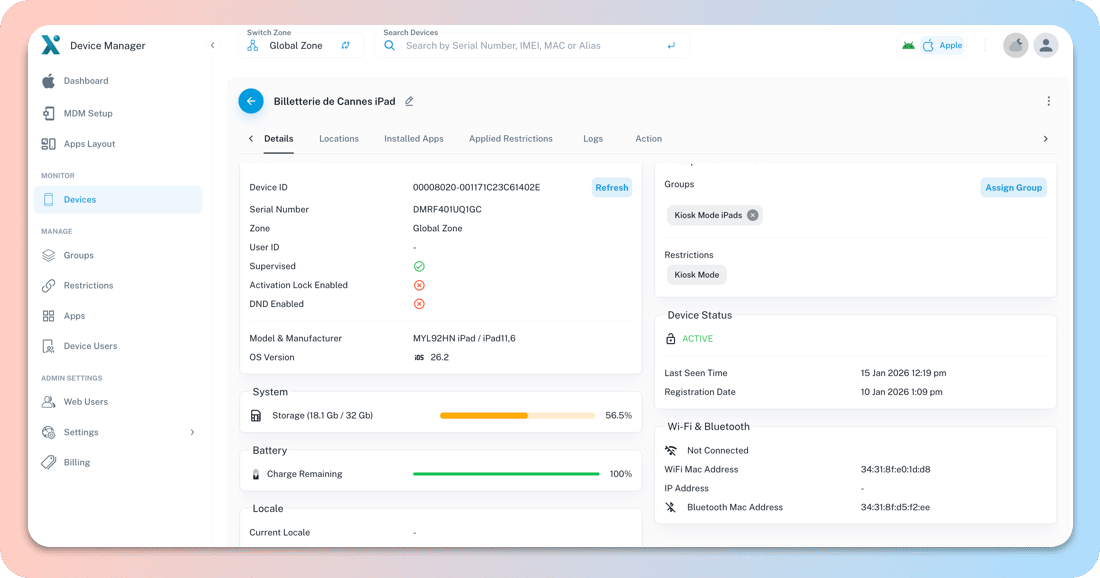
Get real-time visibility into your Apple device fleet, including hardware details, software versions, and compliance status.
Complete Visibility
Fleet-wide views with detailed hardware and software data so IT teams can act quickly and confidently.
Zone Based Inventory
Organize devices by department, location, or custom zones to manage distributed teams more efficiently.
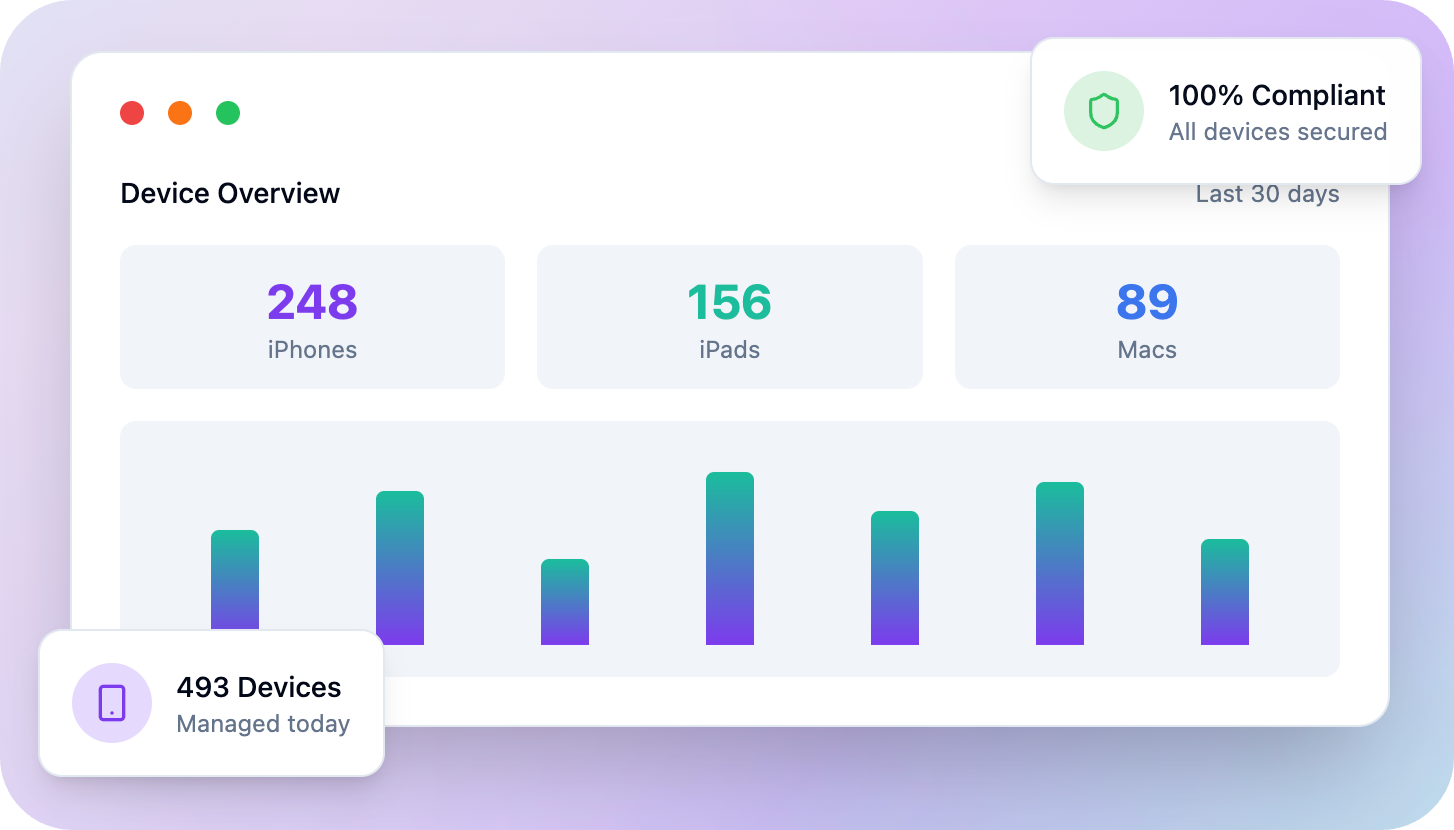
Compliance Dashboard
Track MDM compliance across your fleet and identify non-compliant devices instantly.